WordPress Plugin
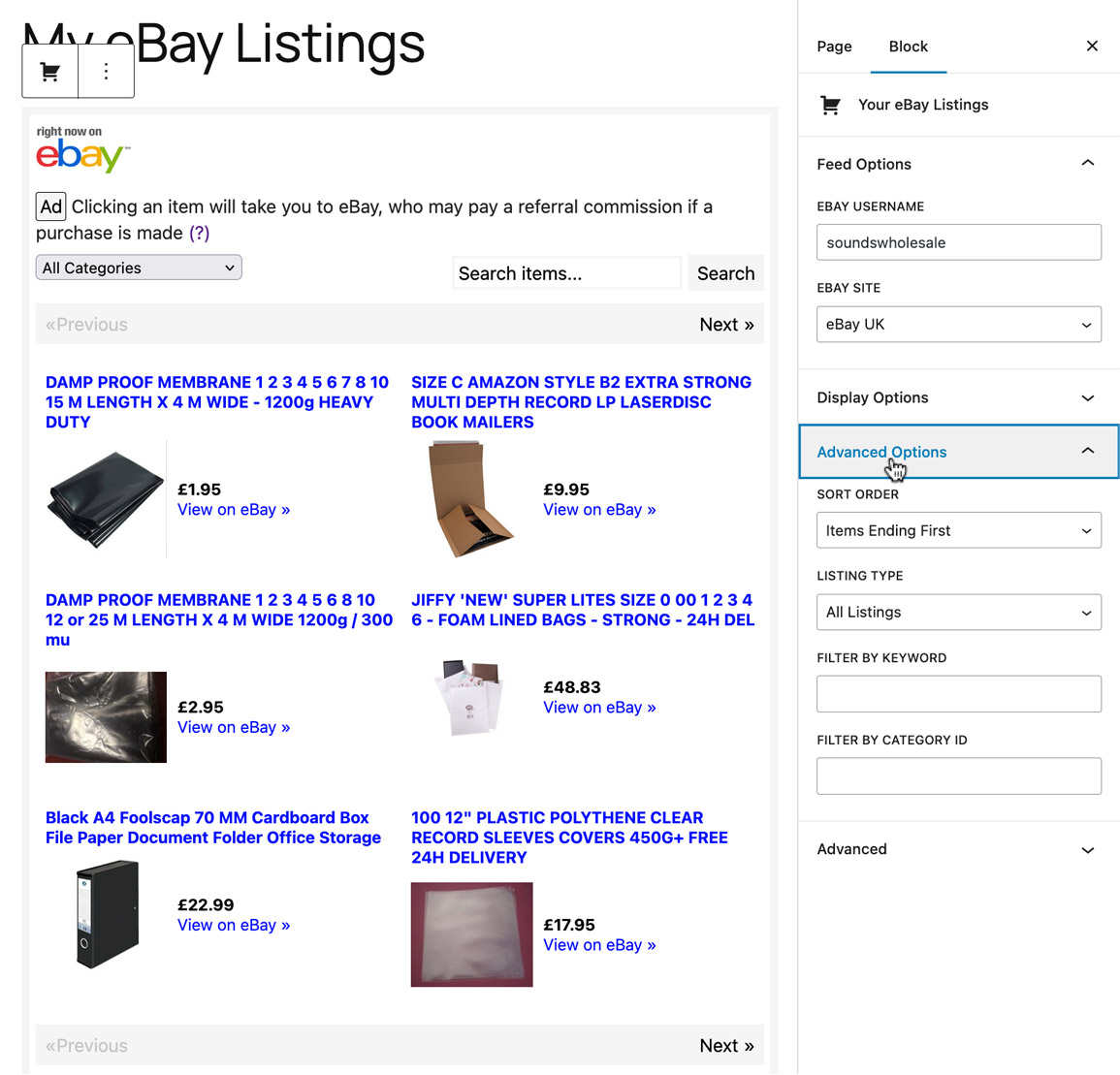
Display the active eBay items for a seller using the "Your eBay Listings" Block.
Once the plugin is activated, search for "eBay" in the Block editor.
Customize and preview your items right from the Block editor.
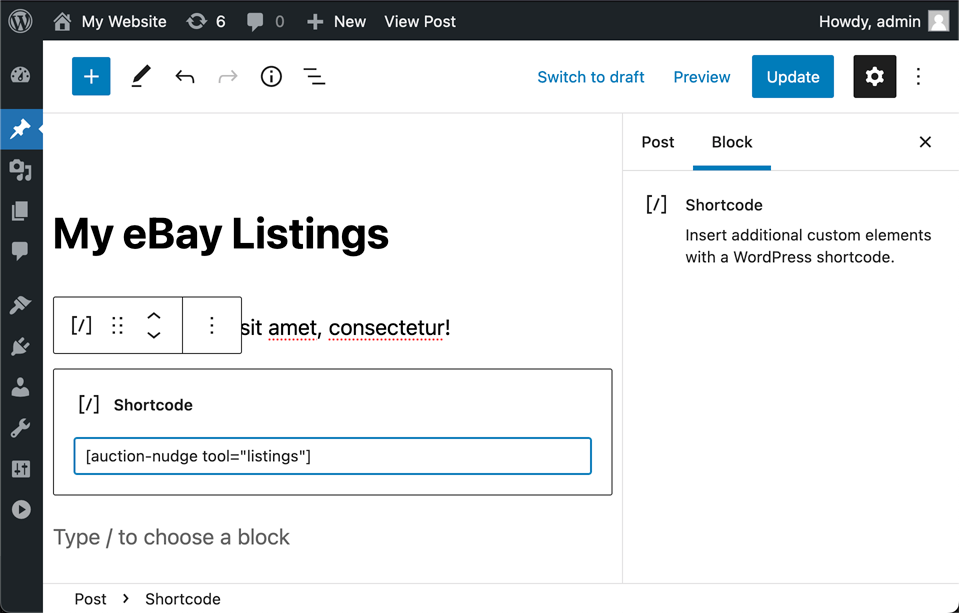
Items can also be displayed with the following Shortcode:
[auction-nudge sellerid="ebay_username"]
With a default eBay Username and eBay Site you no longer need to inlude them in the Shortcode:
[auction-nudge]
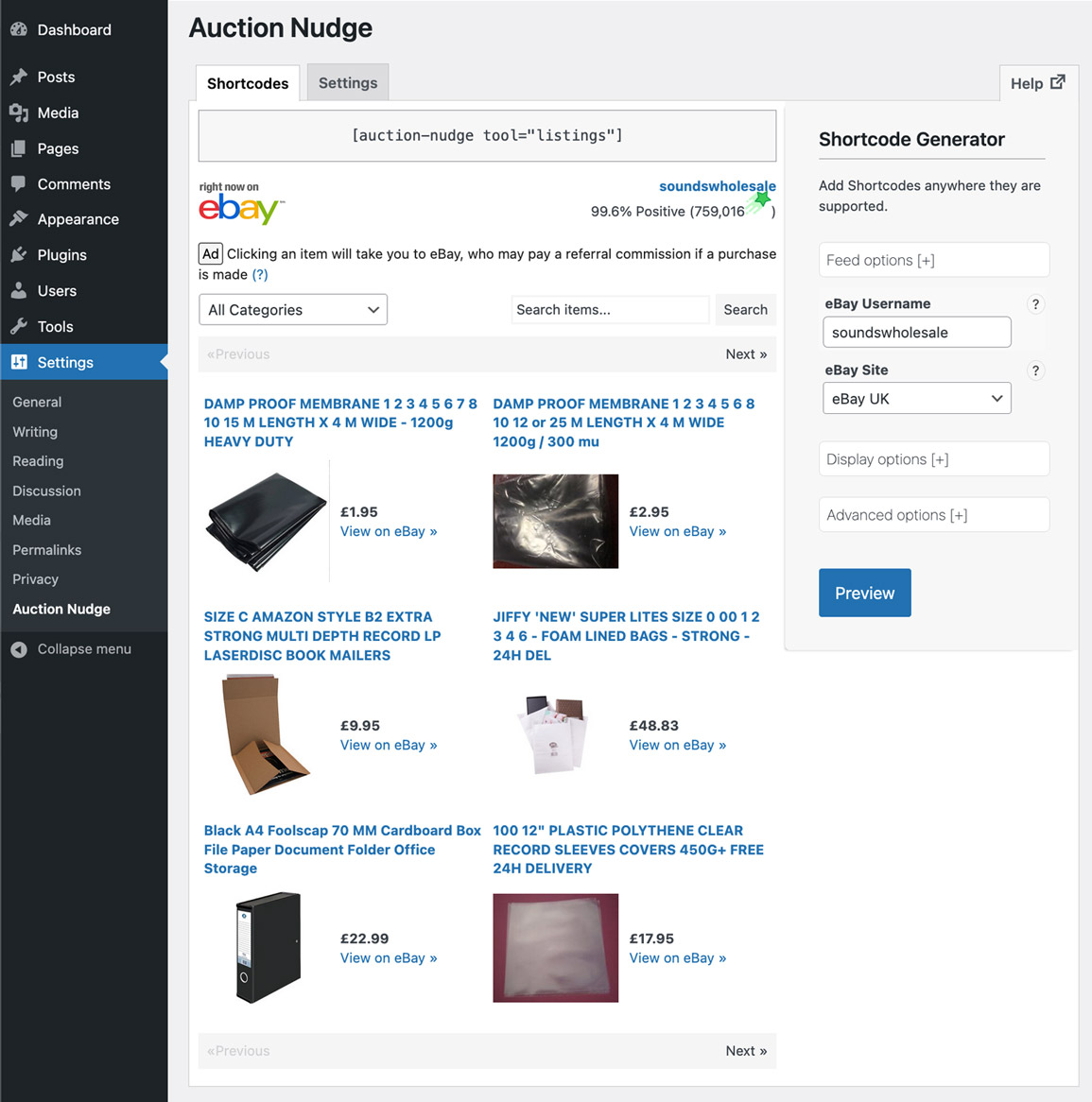
Customize the Shortcode using the Shortcode Generator, available on the "Auction Nudge" Settings page.
For example:
Customizing
Pass your eBay Username to the Shortcode like this:
<!-- Showing items for the eBay username "ebay_username" -->
[auction-nudge sellerid="ebay_username"]
You can customize what content is displayed by passing your options to the Shortcode:
<!-- Show 100 items, in French and disable search -->
[auction-nudge lang="french" maxentries="100" search_box="0"]
Use the Shortcode Generator (Settings > Auction Nudge) to create Shortcodes for your content.
Shortcode Generator
Use the Shortcode Generator to customize your Shortcodes.
Download
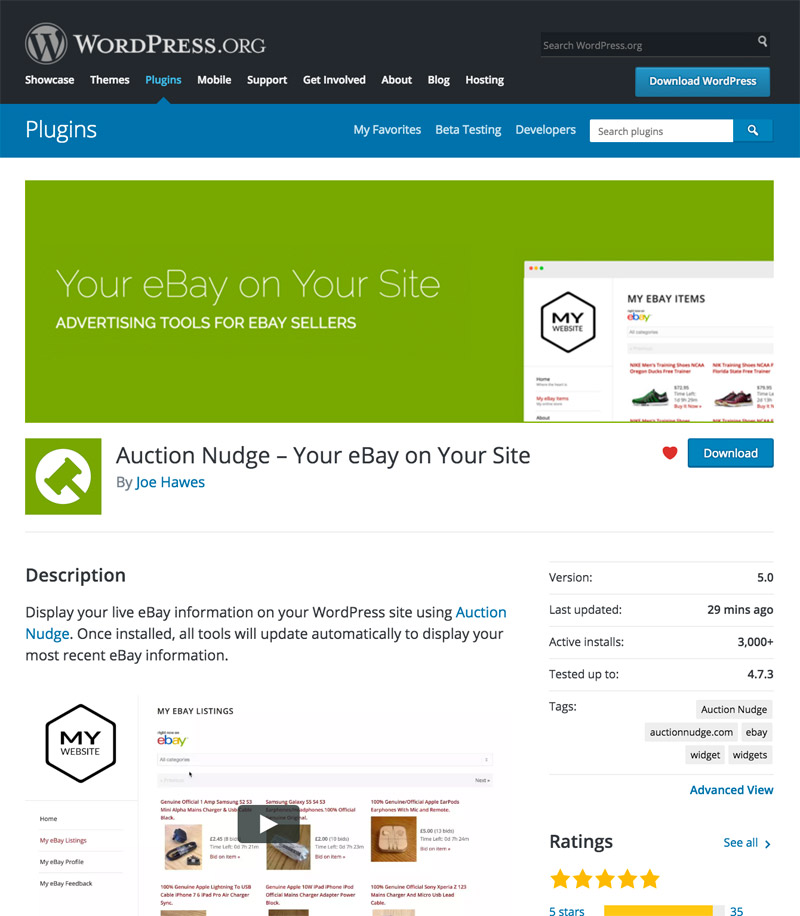
You can download the plugin from the WordPress Plugin Directory.
3,000+ active installs.
Check the latest reviews to see what WordPress users are saying about Auction Nudge.
WordPress.com Hosted Sites
Unfortunately, Auction Nudge can not be installed on sites hosted on WordPress.com. This is because embedding dynamic content is not allowed, with a few exceptions (like embedding YouTube videos).